Listings
One link, a full listing
Paste a supplier link, add a product by hand or upload a sheet. Titles, descriptions, SEO and alt text are written in your store's voice and uploaded to Shopify.
 Launch Desk
Launch Desk turns your product links and photos into Shopify listings, studio images, product videos with captions, AI presenters and runway models, and posts them to Instagram, all in one place.



Writing, images and videos are built in. You review everything before it goes live.
Paste a supplier link, add a product by hand or upload a sheet. Titles, descriptions, SEO and alt text are written in your store's voice and uploaded to Shopify.
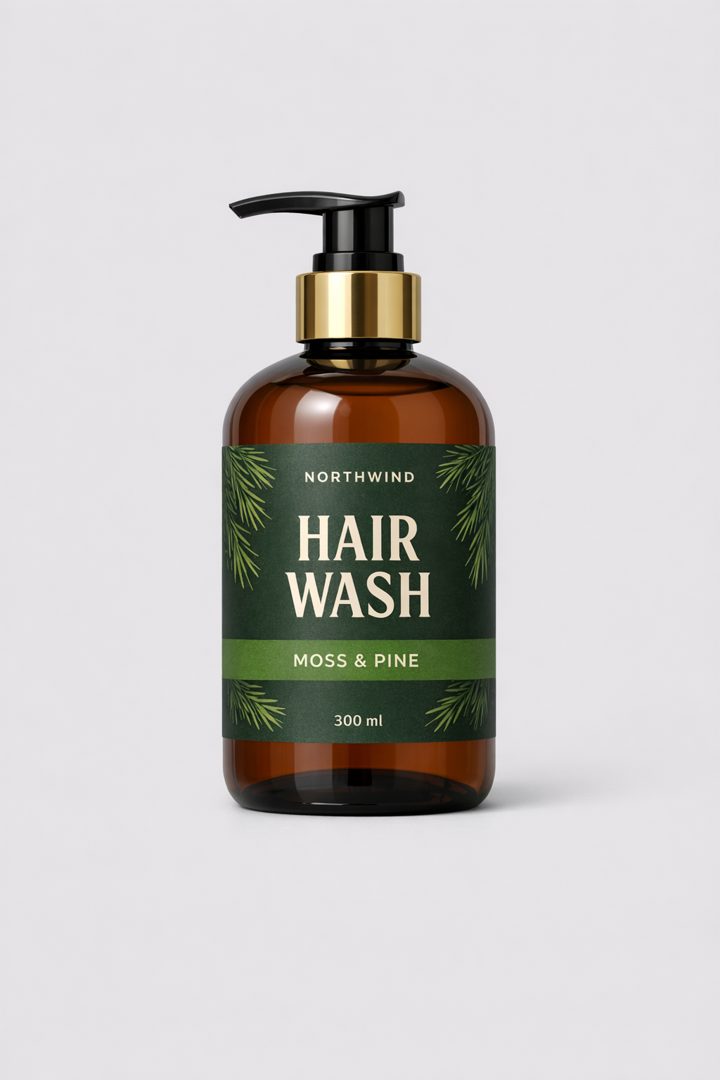
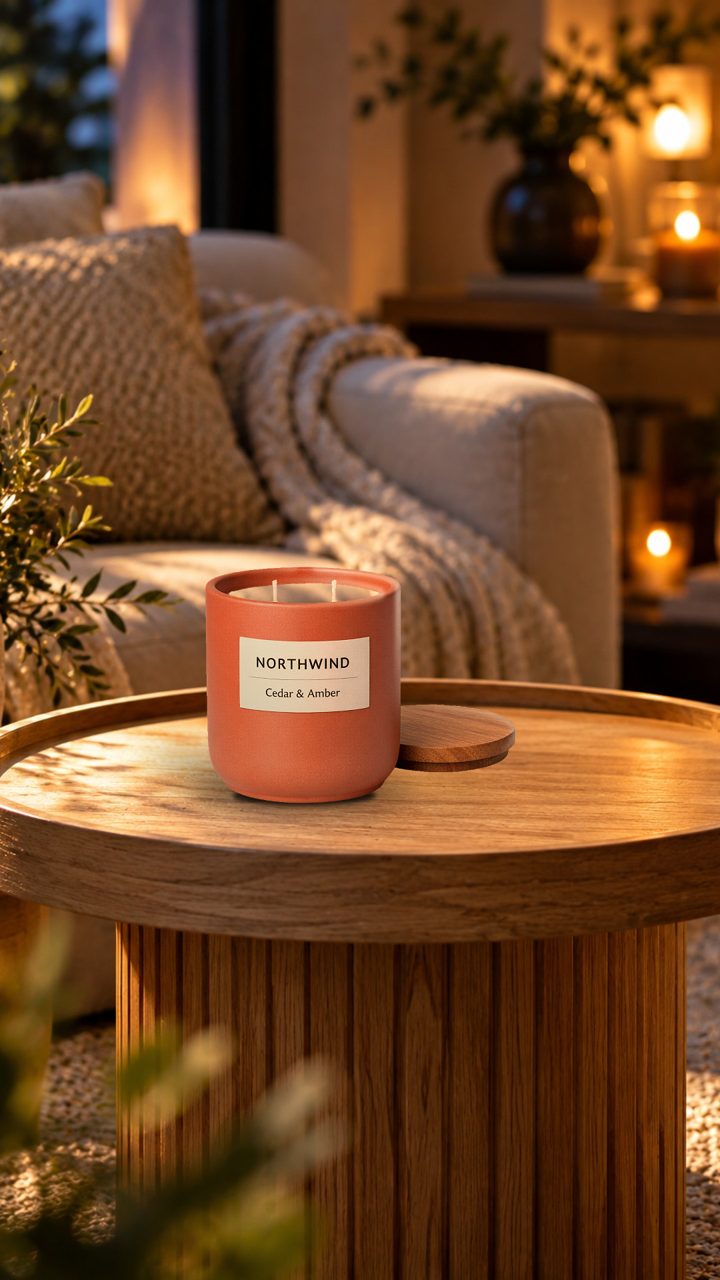
Your own product photo placed on ready-made or AI scenes, lit and grounded. Nothing about the product is redrawn.
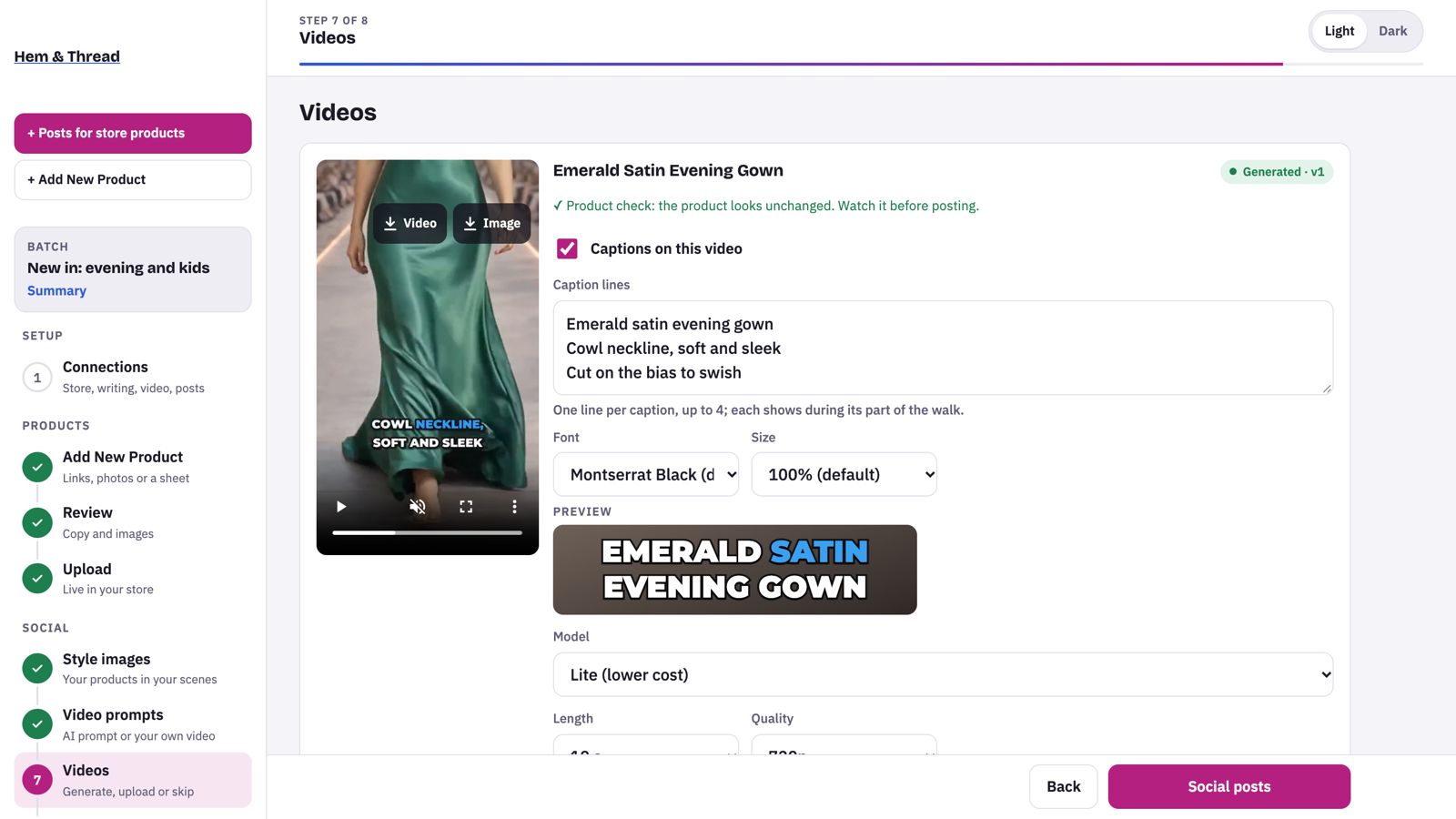
Short 9:16 videos made from your style images, with music, zooms and bold captions that highlight each spoken word.
An AI presenter holds your product and talks about it, with a natural voice and captions, ready for Reels and Stories.
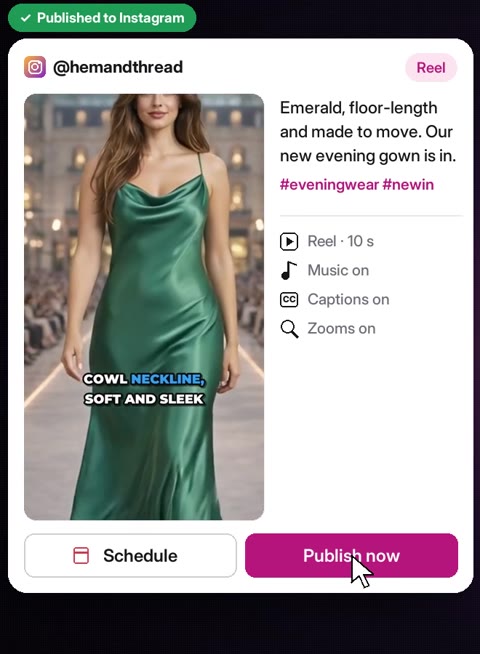
Runway walks for women, men and kids, with your clothing and shoes, zooms, music and captions.
Instagram posts, carousels, Reels and Stories, published from the app or scheduled for later. Posting your product videos to YouTube as Shorts and to TikTok is rolling out now; Facebook is coming soon.
A supplier link, a few photos, or a spreadsheet. Or pick products already in your store.
Check the listing copy and images, then upload them to Shopify as live products or drafts.
Style images, captions and videos, with avatars or models if your plan has them.
Post to Instagram straight away or schedule it, after you've seen exactly what goes out.
Billed monthly by Shopify on your Shopify invoice. Change or cancel any time.
Not sure yet? We'll walk you through Launch Desk with products like yours, before you install it from Shopify.